
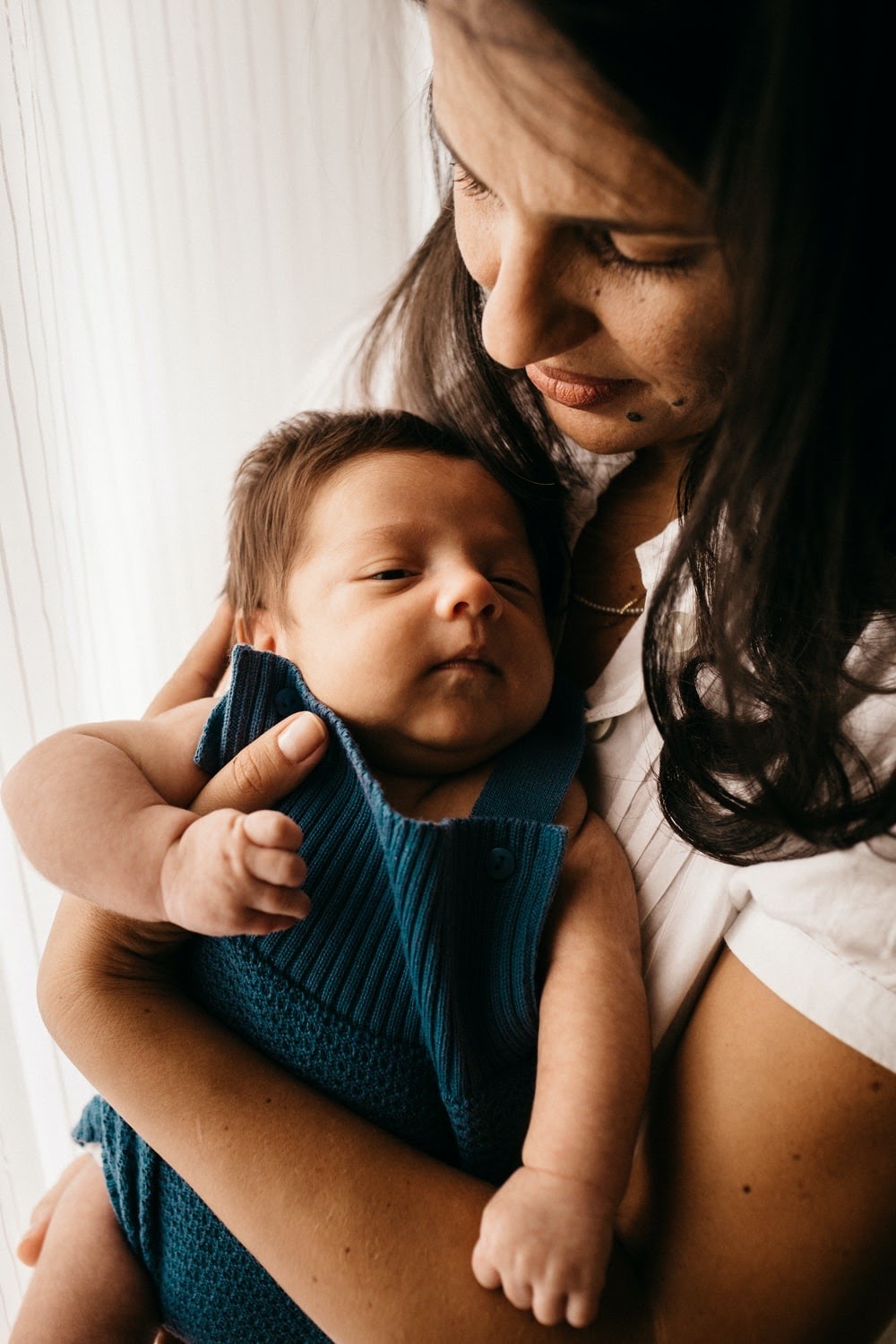
As part of our own personal agency’s suggested to-dos before bringing our newly adopted child home, they suggested that we find a pediatrician and chat with them while we were waiting for court. Since we found...
 Kristina Frazier
 Deirdre Parker
 Alicia Nelson
 Lindsay Lawrence
 Katie Reisor
Dr. Jennifer Cain
I thoroughly enjoyed my discussion with Dr. Jennifer Cain during our interview on Adoption.com. Hearing about her methods and dedication to providing valuable support to the adoption community was incredibly motivating...
 Adoption.com Admin
 Christina Gochnauer


 Serra Evans


 Cindy Hill

 Katie Kaessinger
 Janelle Oliveira

 Rebecca Dell


 Lisa Kersey
 Kristal Black





 Natalie Welch
 Lacy Davis



 Hailey Ashcraft
 Jessica Chapa